
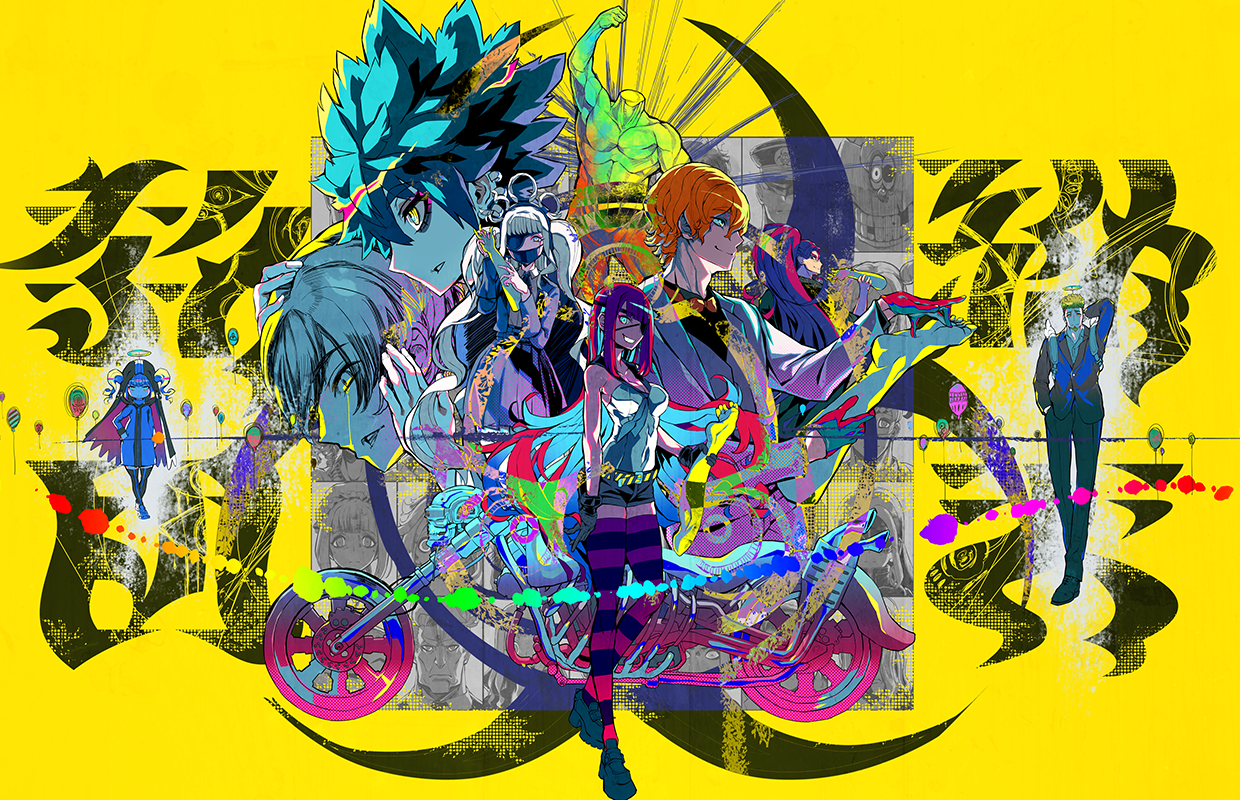
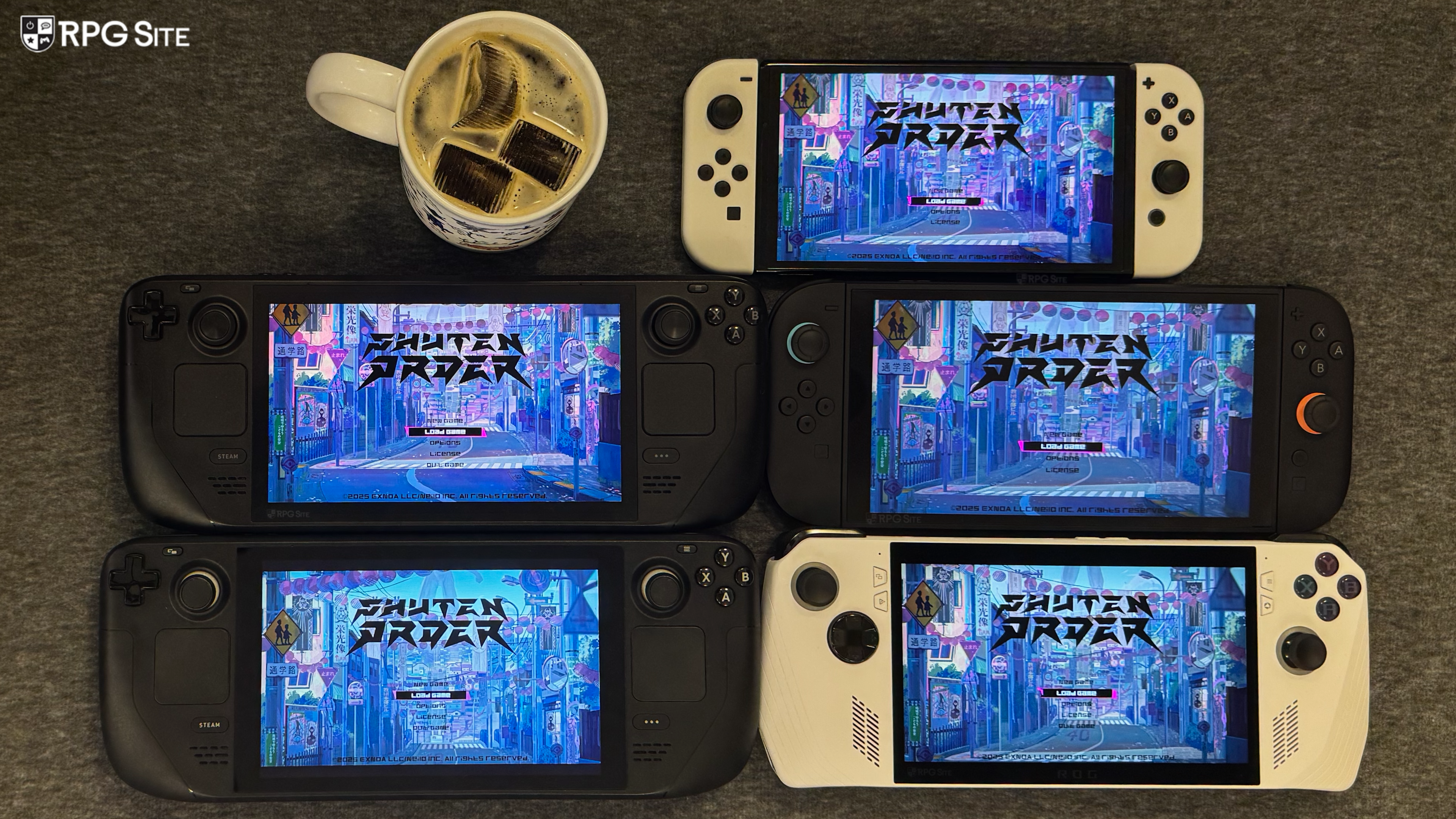
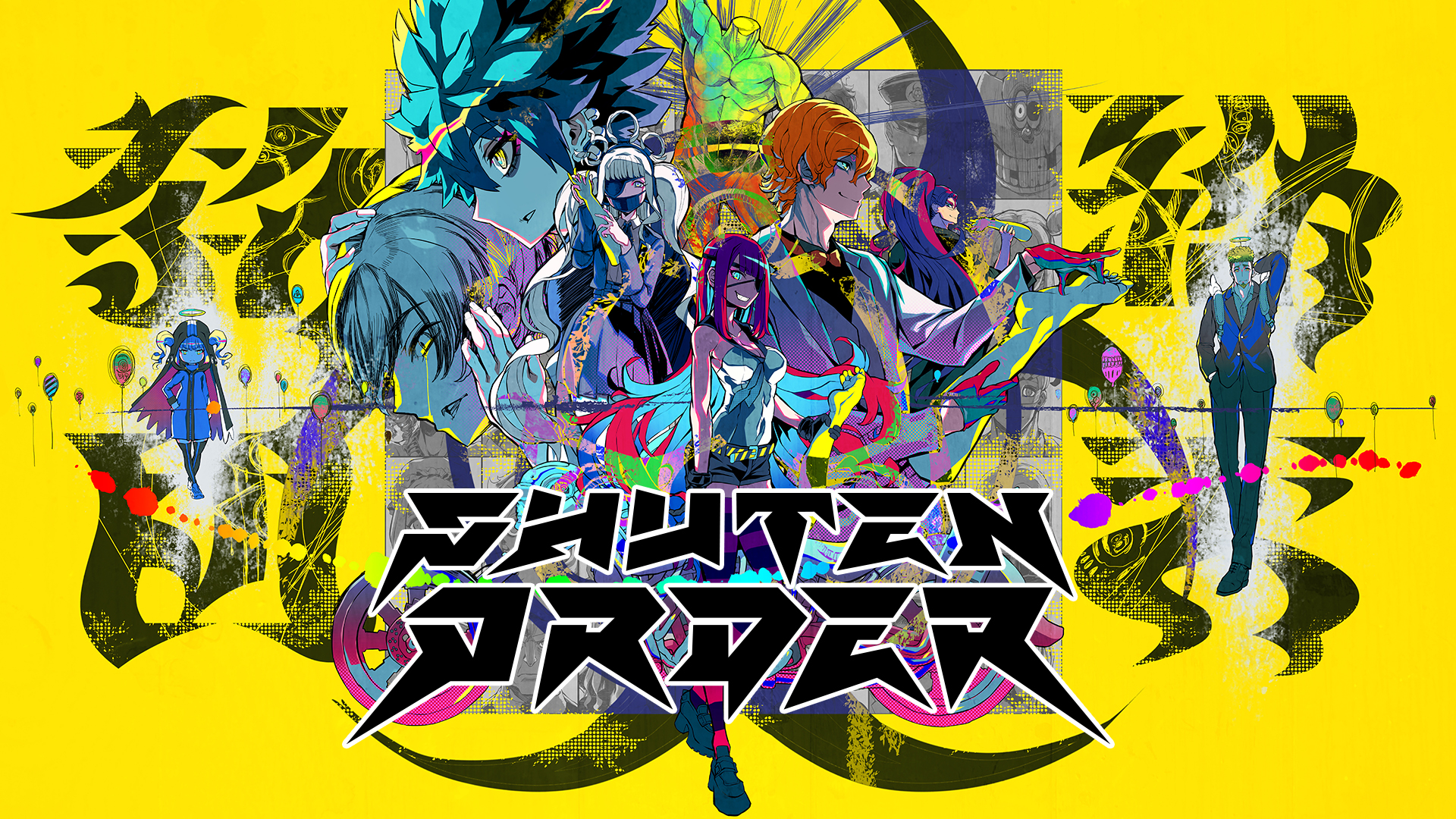
Shuten Order from EXNOA (DMM Games), Spike Chunsoft, and Tookyo Games launches next week. Ahead of its release and our full Shuten Order review, I’ve been playing the Steam version across Steam Deck, Steam Deck OLED, and ROG Ally while also checking out the Nintendo Switch version on both Nintendo Switch OLED and Nintendo Switch 2. While the PC version is bare-bones it can scale above the Switch version, and this is important because of how the portraits and 2D elements are presented. I’m going to cover the experience across handhelds in this feature and also what you can do to dramatically improve how Shuten Order looks and feels on Steam Deck. There will be no spoilers in this feature and all screenshots will be from the opening hour or two.
Advertisement. Keep scrolling for more
Shuten Order PC port features
Shuten Order has support for controller and keyboard & mouse input, but there are no rebinding options. The Screen Settings menu lets you adjust the display mode (borderless, windowed), choose the monitor being used, and toggle v-sync. There are no options for resolution or frame rate here. Shuten Order also only supports the 16:9 aspect ratio. With v-sync enabled, it targets the frame rate to match your monitor’s refresh rate. When you disable this, it runs at an unlocked frame rate. Some scenes or animations seem to run at 60fps though.
When it comes to how Shuten Order controls, you can use the mouse or touchscreen on PC handhelds, but the cursor movement with the left analog stick is very sluggish. This is a common problem across both the Switch and Steam versions and there is no in-game setting to improve or fix this. Right now, Shuten Order lacks Steam Cloud support. I hope this is added before or soon after launch.
Shuten Order Steam Deck impressions
Shuten Order runs without issues on Steam Deck out of the box. I tested this on my Steam Deck OLED running the current stable version of SteamOS and also my Steam Deck LCD running the preview build of SteamOS. I ran the game with Proton Experimental on both devices. It supports the Steam Deck’s controls without issues, but you can improve the experience quite a bit. Before getting to that, Shuten Order suffers from some of the character portraits and menu boxes looking jagged. While not every portrait looks bad on the default resolution, zoomed out ones and some menu boxes seem to be rendered poorly by default. Barring that, there is no issue with how Shuten Order runs on Steam Deck, and this is easy to fix.
Advertisement. Keep scrolling for more
Shuten Order Steam Deck recommended settings
After a bit of playing and testing, I found that forcing the game to render at 1080p or 1440p on the internal screen using the game’s properties fixes the portrait and menu rendering issues. The game is very light to run so this has no real performance impact outside of using more power, but again Shuten Order is very light to run. Since I play on a 1440p monitor when docked, I forced Shuten Order to 1440p on the internal and external display on my Steam Deck OLED. I left the LCD on the default resolution to play alongside the OLED model and compare. I definitely recommend playing at 1080p or 1440p here and also capping the game to 60fps/60hz using the quick access menu for the most consistent experience when downsampling. You can leave it uncapped, but it does drop below 90fps under some conditions when 3D models and movement is involved.
I mentioned the cursor movement being sluggish, and while it isn’t as sluggish as on Switch, you’re better off using the touchscreen on Steam Deck. If you’d like to use the cursor, I recommend enabling the trackpad using Steam Input so you have precision mouse control movement at a much faster speed as opposed to the slow analog stick movement for the cursor. Once you enable the trackpad as mouse, make sure to tweak the sensitivity depending on how you like it.
With these two changes, Shuten Order feels and looks perfect on Steam Deck.
Shuten Order Nintendo Switch 2 and Switch impressions
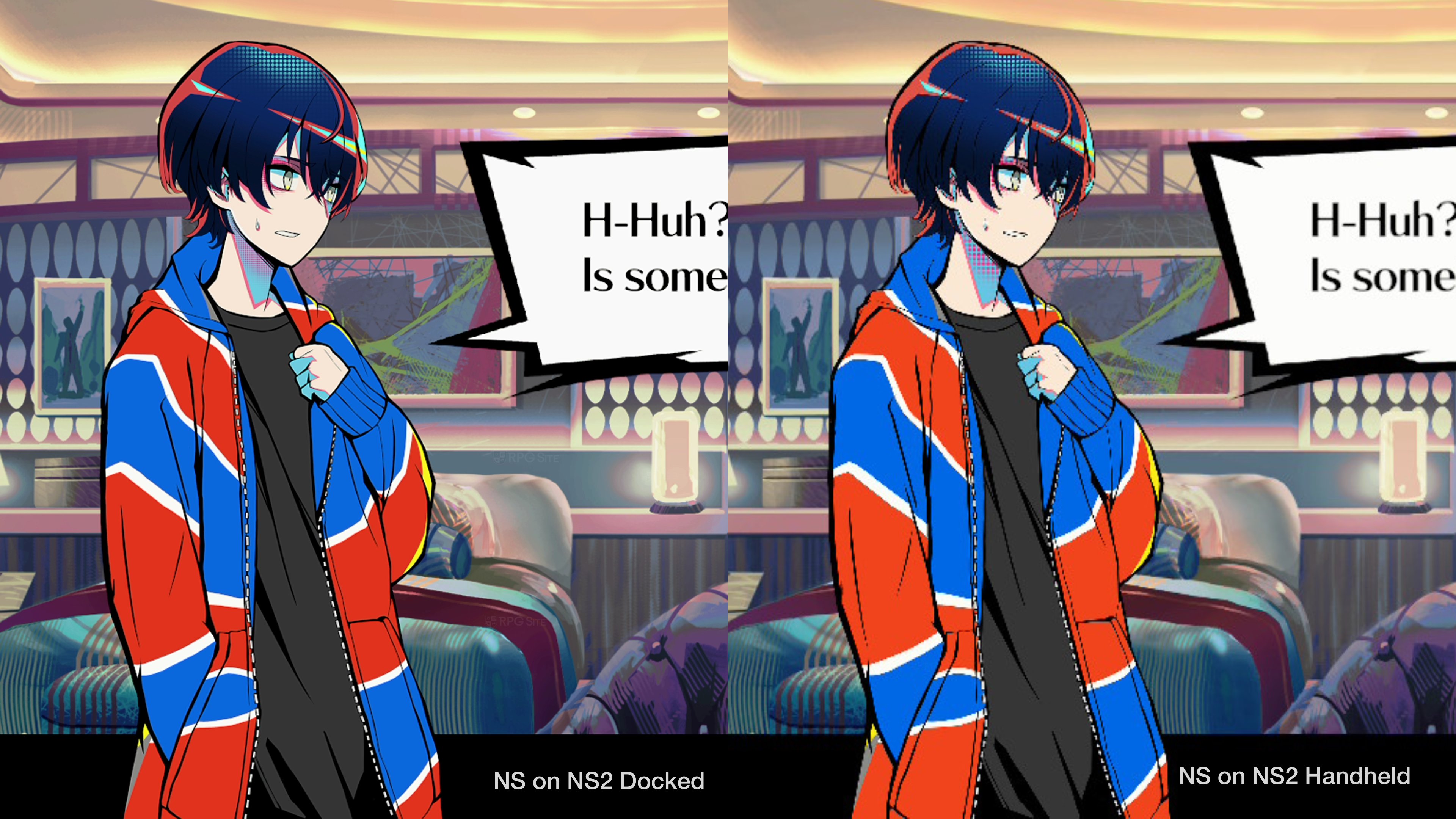
Shuten Order is a Nintendo Switch game that runs via backward compatibility on Switch 2. Because of this, some of the issues I ran into with the PC version which also apply to Switch, are more pronounced on Switch 2 which displays the 720p game at 1080p in handheld mode using upscaling. When it comes to performance, Shuten Order is mostly fine on Switch OLED and Switch 2 with a 60fps target, but there is some hitching. It isn’t too bad and the game doesn’t struggle like No Sleep For Kaname Date – From AI: The Somnium Files does in parts, but the main issue is cursor movement which feels sluggish. The lack of touchscreen support is disappointing as well.
The portraits and menu boxes that look jagged or poorly-scaled on Switch end up looking worse on Switch 2 when played handheld. This isn’t as much of an issue when played docked, but Shuten Order can look quite bad handheld when it comes to character portraits and some other 2D elements. Given the stylish nature of the game, this is disappointing. A native Nintendo Switch 2 version would’ve allowed for crisp rendering and mouse controls as well. I hope Shuten Order does get some sort of enhancement for Switch 2 because it does not look good handheld right now.
Advertisement. Keep scrolling for more
Shuten Order ROG Ally impressions
On ROG Ally, Shuten Order’s portraits render correctly, but there are some menu boxes that look a bit jagged. Performance is great like on Steam Deck with 120fps supported out of the box, but the lack of a trackpad means you will need to rely on the sluggish cursor or touchscreen when playing Shuten Order on ROG Ally. There isn’t anything else to note here because it just works. If you are planning on playing Shuten Order on your main PC, I recommend downsampling from a higher resolution if you notice issues with portrait scaling and menus. If it does not look like the switch version I’ve shown above, you are good to go.
Shuten Order load times compared — Switch 2, Steam Deck, Switch, and ROG Ally
I was curious to see how the Shuten Order load times vary by platform since it is a Unity game. As with my prior load time testing, I have Shuten Order installed to the internal storage on Switch 2 (for Switch 2 backward compatibility), the SD card on Switch OLED, the internal SSD on Steam Deck LCD, the internal SSD on Steam Deck OLED, and the internal SSD on ROG Ally. I tested the initial load and loading a save file at the same exact position in the prologue. The results are below.
| Platform – Test Condition | Dashboard to title screen | Loading a save file |
| Switch | 29-30 | 6-7 |
| Switch on Switch 2 | 20-21 | 4-5 |
| Steam Deck LCD | 21 | 3 |
| Steam Deck OLED | 21 | 2-3 |
| ROG Ally | 19 | 2-3 |
Note: All load times above are in seconds.
While the initial load is not as fast as it should be on any platform, the Switch version benefits from the faster storage on Switch 2. When it comes to loading a save file, the Steam Deck OLED and ROG Ally are the fastest, but the advantage isn’t much. The main advantage to the Steam version is that the auto save takes a bit longer on Switch which will make certain scene transitions feel slower on Nintendo’s hybrid console.
Which is the best version of Shuten Order?
Advertisement. Keep scrolling for more
Right now, Shuten Order’s PC version played on Steam Deck OLED is the best version as far as I’m concerned. This is because you can downsample to sort out the portrait issues, use the trackpad or touchscreen for the cursor, and experience the gorgeous aesthetic on the best handheld display out of the devices I test on. If the Switch version gets a Switch 2 upgrade or enhancement, it will be the next best version. Right now, I would play Shuten Order on Steam Deck OLED followed by Steam Deck LCD before the ROG Ally or Switch versions for the overall experience.
Shuten Order is set to release for Nintendo Switch and PC (Steam) on September 5. Stay tuned for our full review in the near future.