
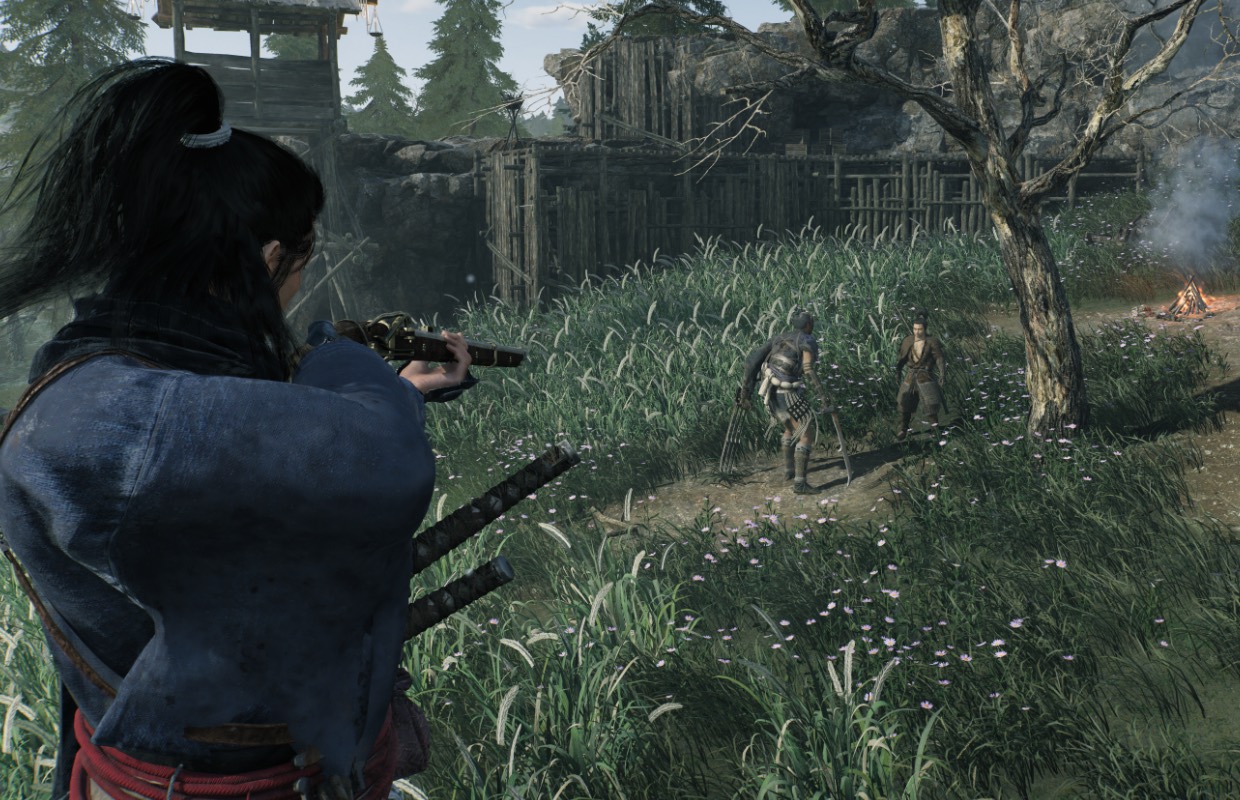
Rise of the Ronin is finally releasing on Steam this week following its debut about a year ago on PlayStation 5. Rise of the Ronin was originally revealed as a PlayStation console exclusive title, and having played it on PS5 last year, it definitely felt like it could’ve used more optimization. I was curious to see how the PC port would end up being when it comes to features and also whether Rise of the Ronin would be playable on PC handhelds. I’m going to cover all of that in this feature.
Advertisement. Keep scrolling for more
Rise of the Ronin PC graphics options
Rise of the Ronin lets you select monitor, toggle v-sync (off or your display refresh rate), display mode (windowed, borderless, fullscreen), frame rate limit (30, 60,120), frame rate limit for cut-scenes, toggle higher frame rates for menus (useful if you play at 30fps), adjust resolution (720p all the way to 7680×4320 with different aspect ratios), toggle HDR, adjust HDR, adjust screen brightness, use a graphics preset (custom, ultra, high, standard, low, very low), enable upscaling (off, FSR3, and XeSS on Steam Deck/ROG Ally), adjust upscaling quality (native, quality, balanced, performance, ultra performance option), adjust upscaling sharpness, toggle frame generation, toggle dynamic resolution, and adjust rendering resolution scale. Note that the game is also advertised to have DLSS and Reflex support, but those options were not visible to me on my handhelds as expected.
For the actual graphics options, you can adjust shadow quality, ambient occlusion, model quality, model texture quality, number of models displayed, wind sway, anisotropic filtering, effects, motion quality, global illumination, screen space reflection, LOD distance, terrain, grass density, subsurface scattering, volumetric quality, event quality, and crowd density. Rise of the Ronin also lets you adjust post-processing effects like post-effects resolution, motion blur, depth of field, chromatic aberration, vignetting, noise filter, lens flare, bloom, mach band noise, and color precision. While not supported on the PC handhelds I played on, Rise of the Ronin also supports ray-traced reflections.
As you can see, Rise of the Ronin on PC has a lot of options to tweak the overall experience to your liking on a technical level. Rise of the Ronin also compiles shaders on the first launch and seems to do a quick check on every launch following for the shaders.

Rise of the Ronin PC control options
Advertisement. Keep scrolling for more
Rise of the Ronin on PC has support for controller and keyboard/mouse inputs. If you play with the former, you can also force it to display specific button prompts. I set it to use PlayStation ones since I was used to them having played Rise of the Ronin on PlayStation 5 already. You can rebind keys and also adjust settings like the hold time required separately for controller or keyboard/mouse input options.
Rise of the Ronin PC ultrawide support – 21:9 and 32:9 supported
While Rise of the Ronin does not have 800p or 16:10 support, it does have ultrawide support for 21.5:9, 21:9, 32:9, and 32:10 aspect ratios for select resolutions like 2560×1080, 3840×1080, 3840×1200, 4550×1440, 5120×1440, and 5120×2160. There is also a menu for ultrawide HUD adjustment letting you tweak how much to push the HUD towards the edge of the screen. I wanted to make a note of this because we don’t usually see Koei Tecmo put this much effort into PC-specific options. Check out some ultrawide screenshots (note that I’m running on the lowest preset) below:
Rise of the Ronin Steam Deck impressions – Not Good
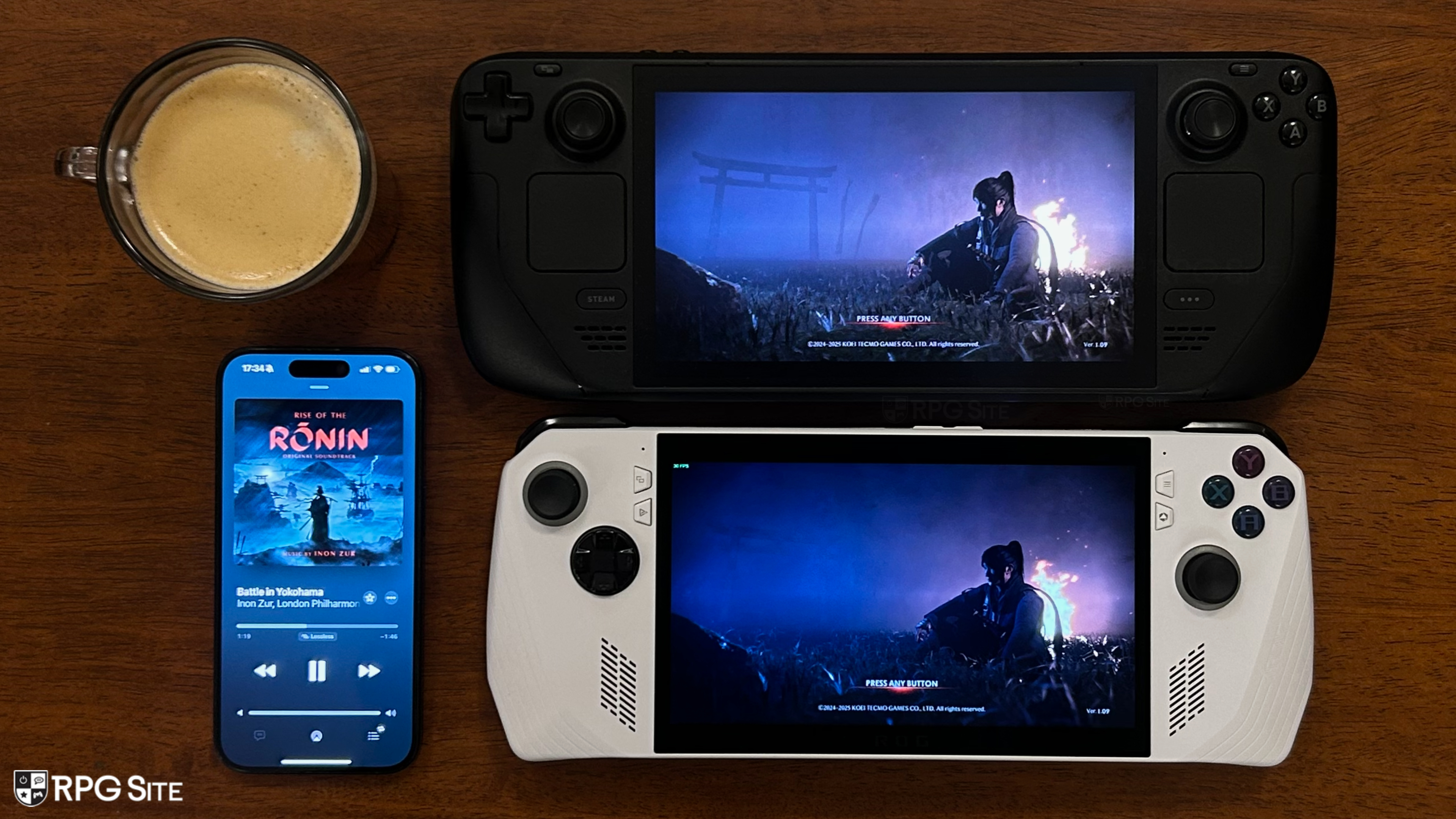
I had a bit of a rough time just getting Rise of the Ronin to boot up after the initial launch on Steam Deck. I’m not sure what caused the game to constantly crash, but it happened on both my Steam Decks including my LCD model running SteamOS Beta. This got fixed on its own earlier this week though and I’ve since played 5 hours of Rise of the Ronin again on Steam Deck to test. Sadly, it isn’t a good experience. While the opening moments see it hit 30fps rather well at its lowest settings with FSR or XeSS set to performance and using 720p, things fall apart in the open world or even the prologue locations with a lot of particle effects.
As an example, just trying to walk around the open world with the absolute lowest settings (including 720p, FSR performance, and all settings turned off or to the lowest settings), there are constant stutters while walking around in the open world. I also had freezing during battles with more than one enemy when parrying thanks to the particle effects. Some fights held 30fps well against a single enemy, but this is not even close to a good experience all things considered. Given how the game looked and ran on PlayStation 5, this isn’t surprising, but I know some were hoping to play Rise of the Ronin on Steam Deck with how Koei Tecmo has been supportive of the handheld recently.
Rise of the Ronin Steam Deck recommended settings
Advertisement. Keep scrolling for more
My recommendation is to not play Rise of the Ronin on Steam Deck. Despite the early moments showing some potential with a 30fps target, this is not even close to representative of major parts of the game. The open world or crowded areas even on the absolute lowest preset see massive performance issues. I also want to note that it seems like Rise of the Ronin at 720p will not let you use ultra performance upscaling. It works at 1080p on the ROG Ally, but even when setting that to 720p, you cannot use ultra performance. Only the performance upscaling works. If you have access to a more powerful PC, I recommend streaming it to your Steam Deck if you want to play it on Valve’s handheld. This is not even close to a good experience when running natively even when you set everything to the absolute lowest possible options.
Rise of the Ronin ROG Ally impressions
I didn’t expect to hit 60fps on the ROG Ally, but I was impressed initially with how Rise of the Ronin was holding up at 1080p with performance upscaling. That’s not a high bar, but I want to remind you that this game dropped below 1080p in its performance mode on base PlayStation 5 and didn’t hit a locked 60fps. Rise of the Ronin on ROG Ally also has faster load times than Steam Deck when the game is installed to the internal SSD on both systems.
In its current state, Rise of the Ronin shows more promise on the ROG Ally Z1 Extreme. It sadly also suffers from stuttering while exploring and freezing during some early battles. I even tested running the game at the lowest possible settings at 720p, using FSR 3 performance upscaling, and more to try and get rid of the freezing or stuttering. It is sadly still present right now. The game in general runs a lot better than Steam Deck, but I couldn’t get a locked 30fps with proper frame pacing. I have faith in things improving on the ROG Ally front given its initial showing pre-release though.
With good ultrawide support, resolution options going up to 8K, 120fps, options to scale above and below the console version visually, and even the addition of some DualSense features, Rise of the Ronin’s PC port has a lot of features that show Koei Tecmo is committed to taking advantage of the platform after treating it like an afterthought many years ago.
Rise of the Ronin is now available on PlayStation 5 and it will launch on March 10 for PC (Steam). Read Josh’s full review of the PlayStation 5 version here.