
Nvidia
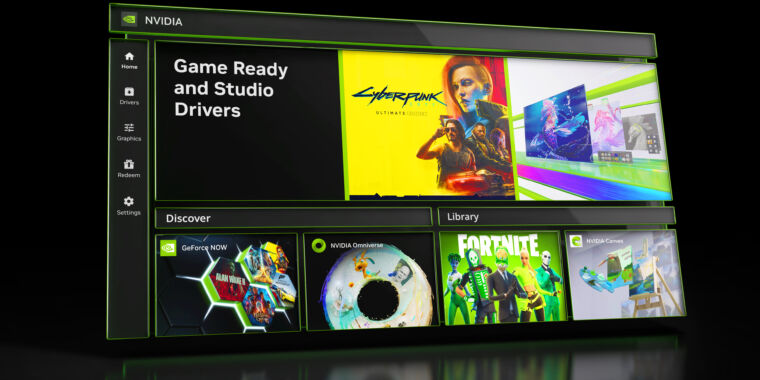
Nvidia has announced a public beta of a new app for Windows, one that does a few useful things and one big thing.
The new app combines the functions of three apps you’d previously have to hunt through—the Nvidia Control Panel, GeForce Experience, and RTX Experience—into one app. Setting display preferences on games and seeing exactly how each notch between “Performance” and “Quality” will affect its settings is far easier and more visible inside the new app. The old-fashioned control panel is still there if you right-click the Nvidia app’s notification panel icon. Installing the new beta upgrades and essentially removes the Experience and Control Panel apps, but they’re still available online.
But perhaps most importantly, Nvidia’s new app allows you to update the driver for your graphics card, the one you paid for, without having to log in to an Nvidia account. I tested it, it worked, and I don’t know why I was surprised, but I’ve been conditioned that way. Given that driver updates are something people often do with new systems and the prior tendencies of Nvidia’s apps to log you out, this is a boon that will pay small but notable cumulative dividends for some time to come.
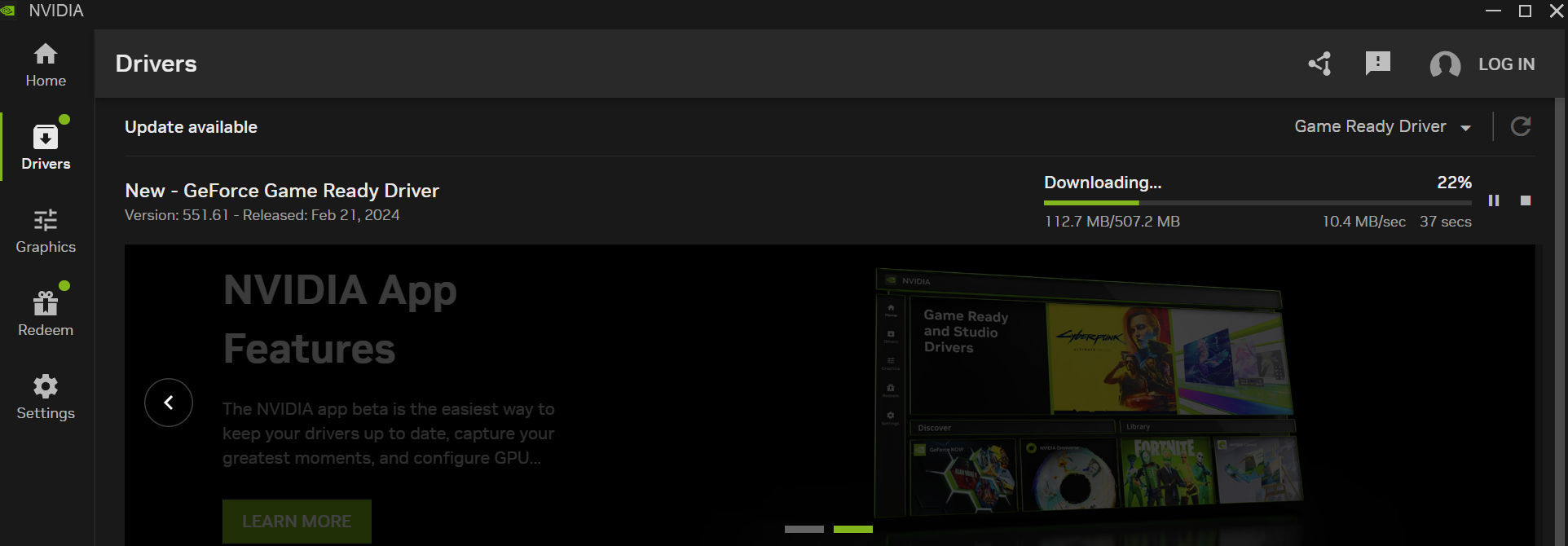
Proof that you can, miracle of miracles, download an Nvidia driver update in Nvidia’s new app without having to sign in.
Game performance tools are much easier to use, or at least understand, in the new Nvidia app. It depends on the game, but you get a slider to move between “Performance” and “Quality.” Some games don’t offer more than one or two notches to use, like Monster Train or Against the Storm. Some, like Hitman 3 or Deep Rock Galactic, offer so many notches that you could make a day out of adjusting and testing. Whenever you move the slider, you can see exactly what changed in a kind of diff display.
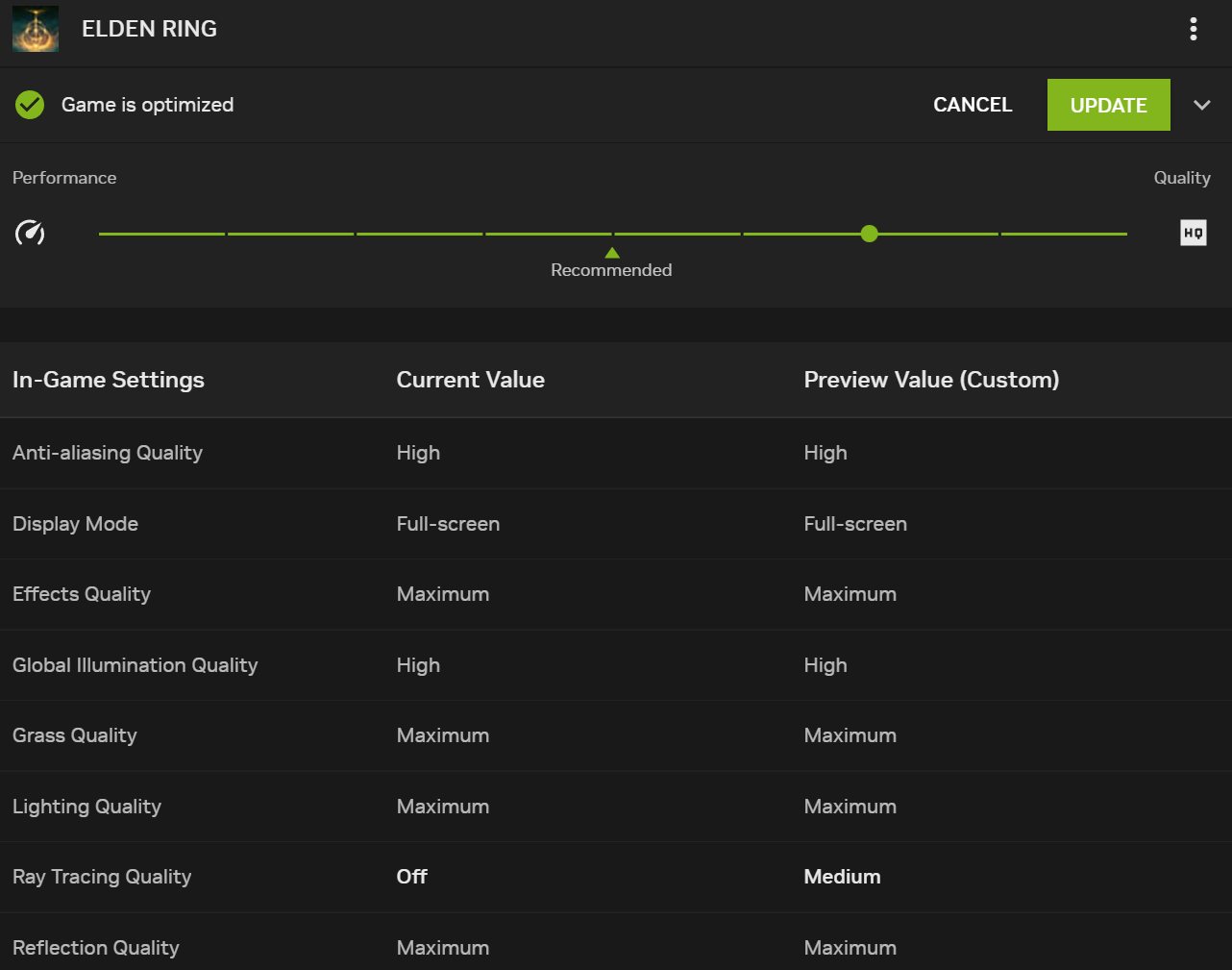
Changing the settings in Elden Ring with the more granular controls available in Nvidia’s new beta app.
Nvidia/Kevin Purdy
If you use Nvidia’s in-game overlay, triggered with Alt+Z, you can test that out, see its new look and feel, set up performance metrics, and change its settings from Nvidia’s beta app. Driver updates now come with more information about what changed, rather than sending you to a website of release notes. On cards with AI-powered offerings, you’ll also get tools for Nvidia Freestyle, RTX Dynamic Vibrance, RTX HDR, and other such nit-picky options.
Not everything available in the prior apps is making it into this new all-in-one app, however. Nvidia notes that GPU overclocking and driver rollback are on the way. And the company says it has decided to “discontinue a few features that were underutilized,” including the ability to broadcast to Twitch and YouTube, share video or stills to Facebook and YouTube, and make Photo 360 and Stereo captures. Noting that “good alternatives exist,” Nvidia says culling these things halves the new app’s install time, improves responsiveness by 50 percent, and takes up 17 percent less disk space.