
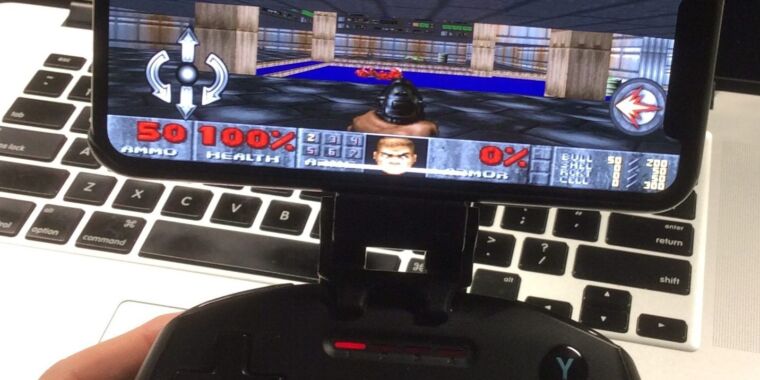
Earlier this year, Apple started officially allowing “retro game emulators” on the iOS App Store without the need for cumbersome jailbreaking or sideloading. But if you want to emulate retro PC games on your iOS device, you are apparently still out of luck.
In a recent blog update, iDOS developer Chaoji Li said that the latest version of the DOSBox-based MS-DOS emulator was finally rejected from the iOS App Store this month after a lengthy, two-month review process:
They have decided that iDOS is not a retro game console, so the new rule is not applicable. They suggested I make changes and resubmit for review, but when I asked what changes I should make to be compliant, they had no idea, nor when I asked what a retro game console is. It’s still the same old unreasonable answer along the line of “we know it when we see it.”
The developer of iOS Virtual Machine app UTM told a similar tale of App Store rejection on social media. The reported two-month review process for the UTM app ended with “the App Store review board determin[ing] that ‘PC is not a console’ regardless of the fact that there are retro Windows/DOS games fo[r] the PC that UTM SE can be useful in running,” the developer said.
The April revision of Rule 4.7 in Apple’s App Review Guidelines is very specifically worded so that “retro game console emulator apps can offer to download games [emphasis added].” Emulating a more generalized PC operating system falls outside the letter of this regulation, even for users interested in emulating retro PC games using these apps.
Since that narrow exception doesn’t apply to classic PC emulators, they end up falling afoul of Apple’s Rule 2.5.2, which states that iOS Apps may not “download, install, or execute code which introduces or changes features or functionality of the app, including other apps.” That rule also applies to third-party iOS App Stores that were recently allowed under new European Union rules, meaning even so-called “alternative app marketplaces” don’t offer a useful alternative in this case.
What’s the difference?
While the specific language of Apple’s App Review Guidelines is clear enough, the reasoning behind the distinction here is a bit more mystifying. Why does Apple treat the idea of a DOSBox-style emulator running an ancient copy of Microsoft Excel differently than the idea of Delta running a copy of NES Tetris on the same device? Is loading the Windows 95 Version of KidPix Studio Deluxe on your iPhone really all that different from playing an emulated copy of Mario Paint on that same iPhone?
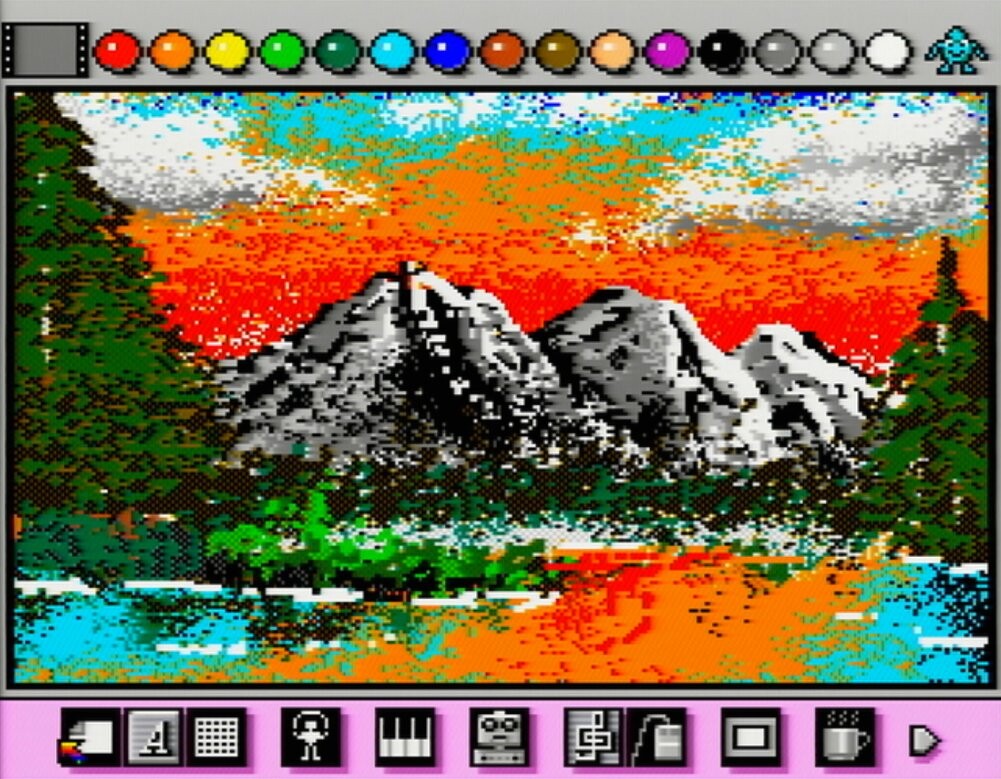
A virtual machine or emulator running a modern PC operating system under iOS could theoretically offer some generalized competition for the apps Apple offers in its official App Store. But surely there’s a limit to how much that applies when we’re talking about emulating older computing environments and defunct operating systems. Just as Apple’s iOS game emulation rules only apply to “retro” game consoles, a rule for PC emulation could easily be limited to “retro” operating systems (say, those that are no longer officially supported by their original developers, as a rule of thumb).
Alas, iOS users and App makers are currently stuck abiding by this distinction without a difference when it comes to PC game emulation on iOS. Those looking for a workaround could potentially use an iOS Remote Desktop App to access games running on a physical desktop PC they actually own. The Internet Archive’s collection of thousands of MS-DOS games will also run in an iOS web browser, though you may have to struggle a bit to get controls and sound working correctly.